







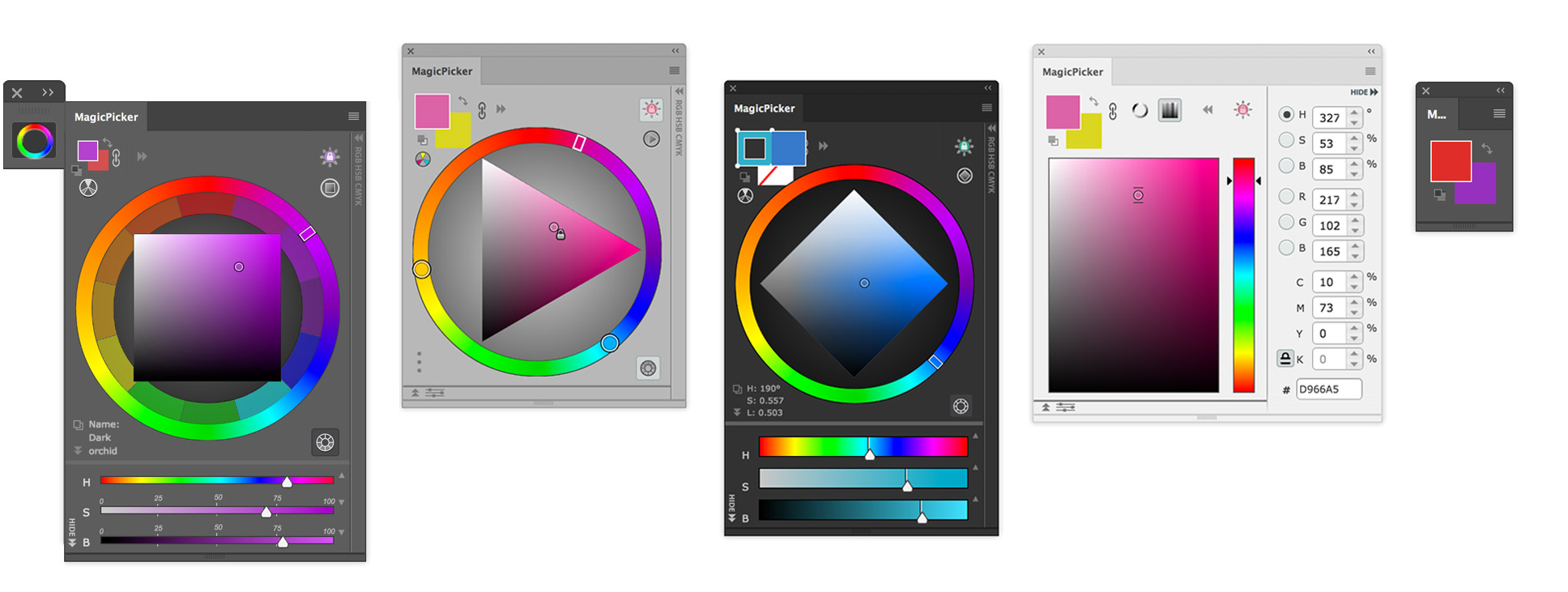
Painter’s wheel
More than an RGB ring.
Work with traditional RYB, switch to Munsell, or shape color through temperature and perceptual sliders.
Professional color wheel for Photoshop & Illustrator
MagicPicker puts a painter’s color wheel, perceptual controls and live color feedback inside Adobe Photoshop® & Illustrator®, so you can judge color in context and stay in the work.


 Mac and
 PC (Windows 7/8/10/11/x32/x64), Apple Silicon M, Modbook, Surface Pro, Wacom support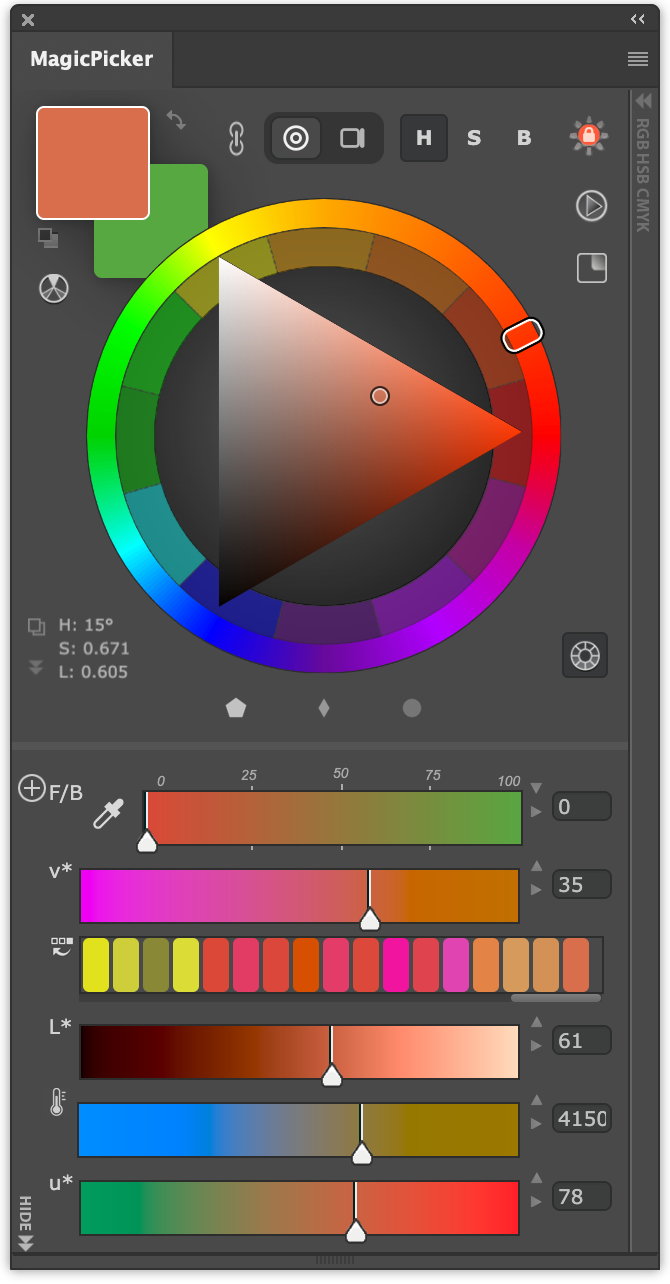
Download non-modal Illustrator & Photoshop panels, which are widely used since 2008 inside Disney Studios, Dreamworks, Epic Games, Crytek, Marvel Comics, Activision, Blizzard Entertainment, Aardman Studios and by well-known concept artists such as Craig Mullins, Craig Shoji, Goro Fujita, Marc Simonetti & many others
made by continuous feedback from artists, designers, painters all over the world
Work with traditional RYB, switch to Munsell, or shape color through temperature and perceptual sliders.
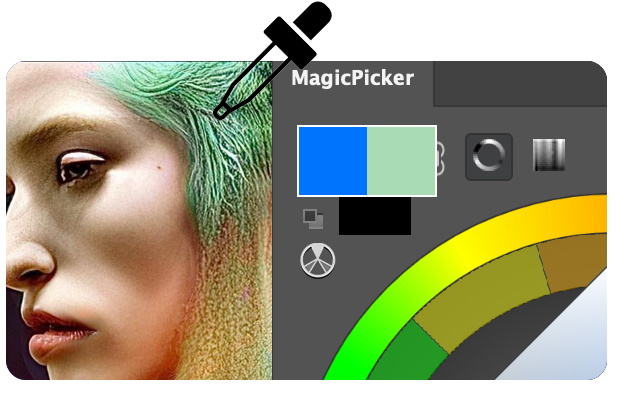
Sample with Photoshop’s eyedropper and MagicPicker updates instantly for direct comparison.
 Move through hue. Hold the value.
Tone Lock: Explore color without losing the light structure of your painting. Shadows stay shadows. Keep color in the same gamma and tone range while changing hue.
 MagicPicker in action! Color wheel explained.Watch tyr's video ↗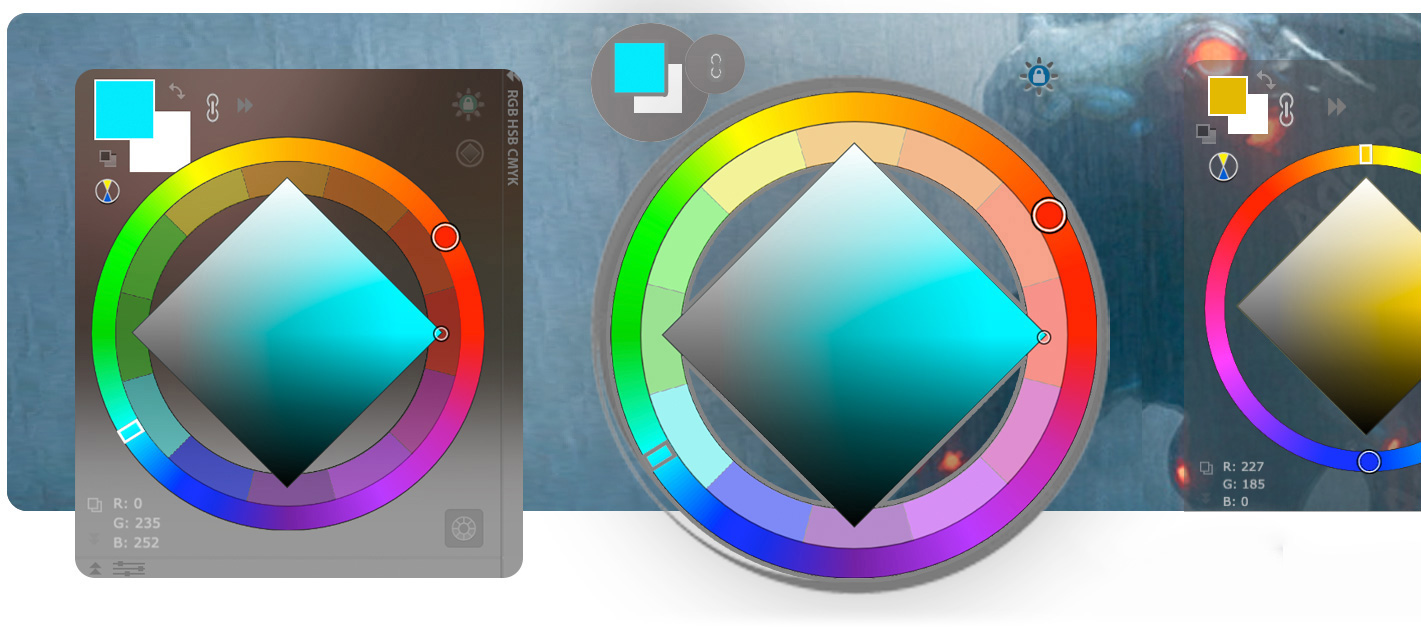
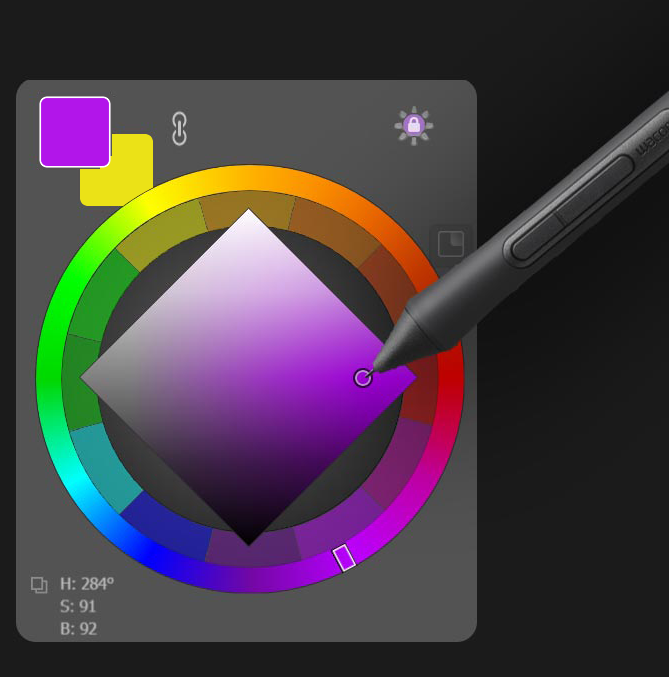
Press a stylus button or any shortcut and it pops up under your cursor, crystal-glass transparent. Release, and you're back to painting. New keep it on screen between strokes.
Clean, simple yet powerful UI
Build a color panel around the controls you actually use instead of adapting your process to a fixed interface.
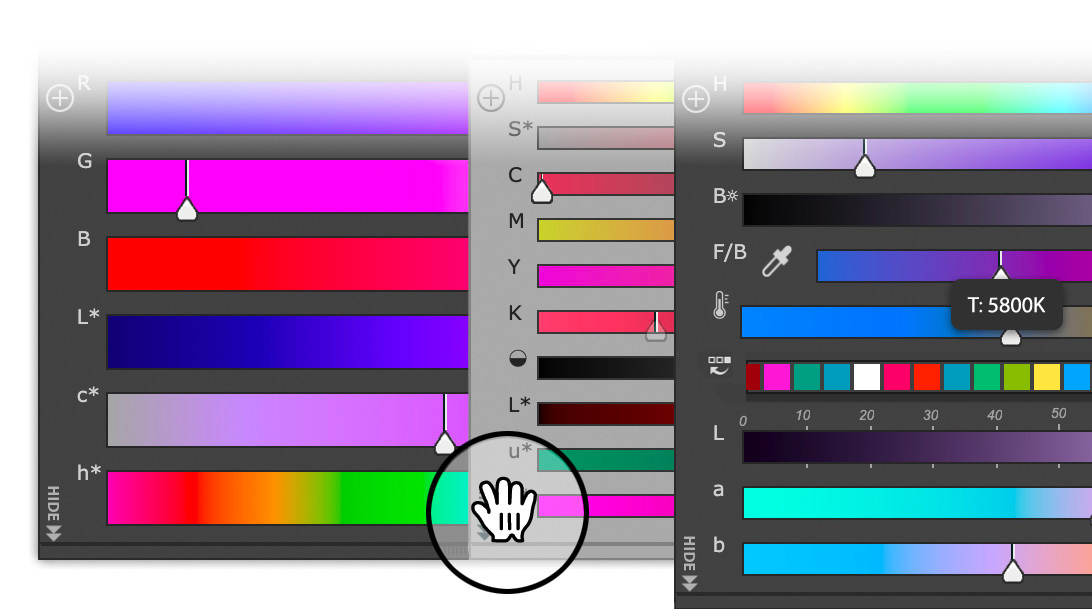
Add, remove and reorder sliders directly in MagicPicker. Put value where your hand expects it, keep temperature close, or build a compact set for the current job.
Native
MagicPicker 10 is rebuilt on Adobe UXP and runs natively on Apple Silicon. No Rosetta. Crisp on Retina and ready for Photoshop 2026, macOS, Windows 11 and Windows on ARM.

MagicPicker
10New in MagicPicker 10
A focused panel in a modern Adobe workspace
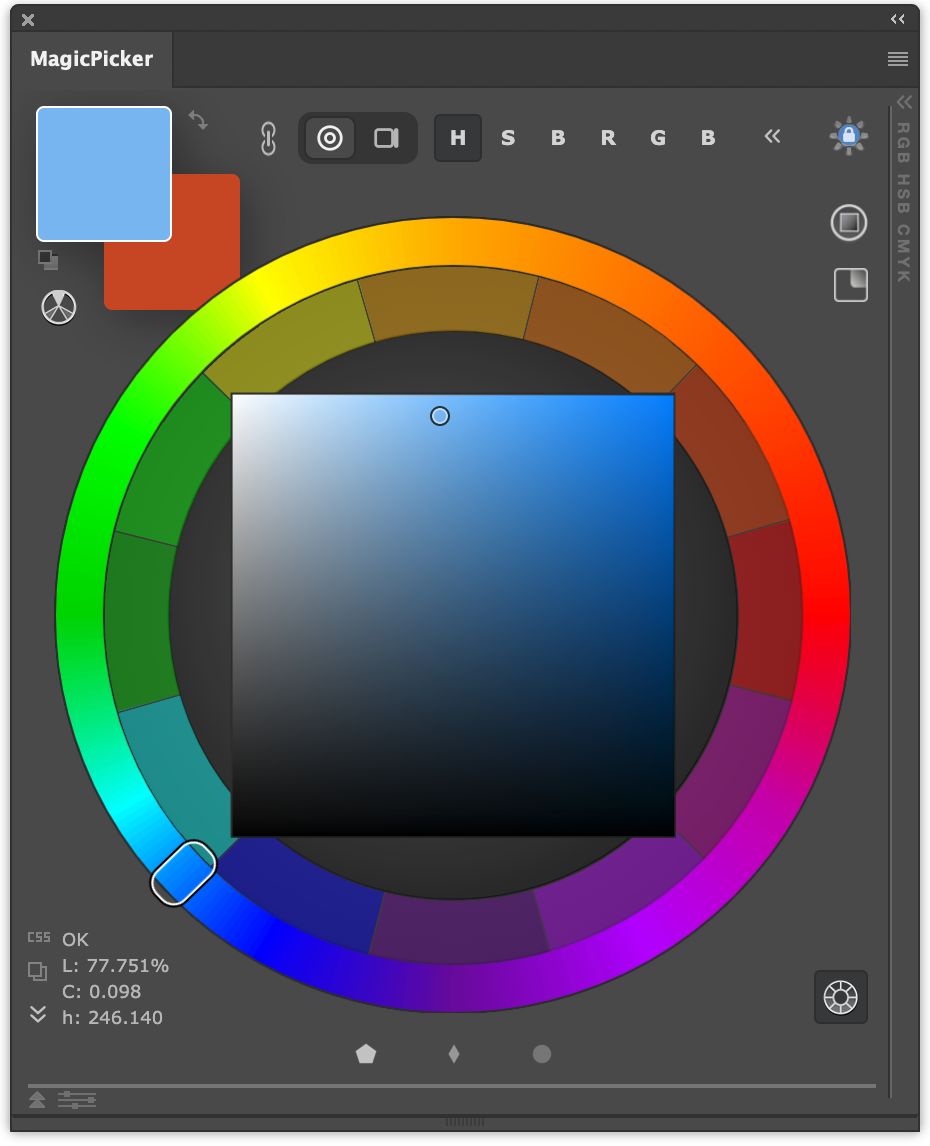
gamut masking, built into the wheel. Draw a range for the background, the subject and the accents, and every pick stays inside it. Unity is built in, not left to luck.
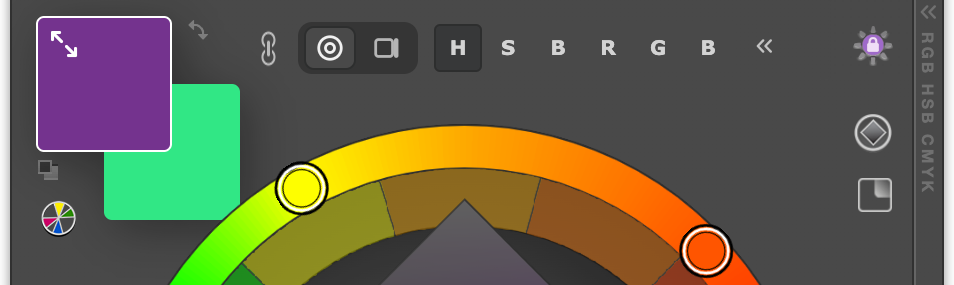
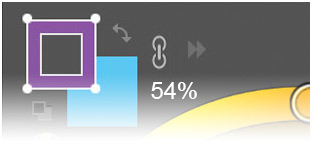
drag them bigger for better color perception.

Exchange Fill & Stroke, shift Hue, change Opacity
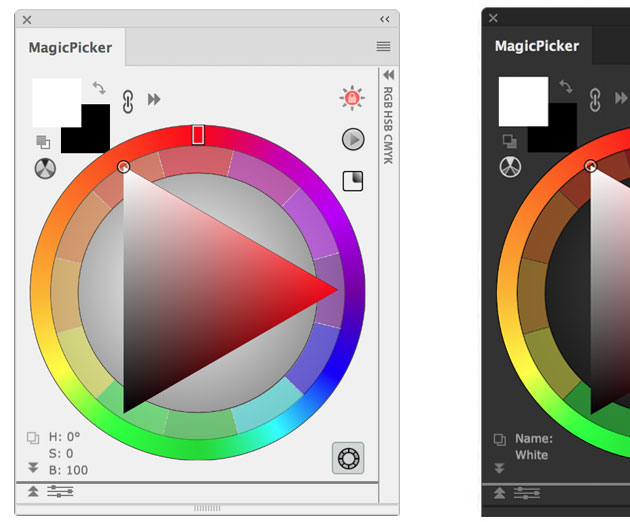

the only traditional color wheel in Photoshop and Illustrator. Or switch to Munsell.
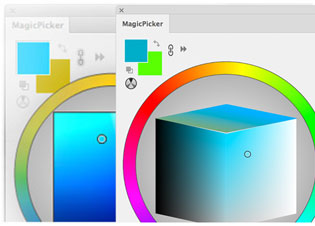

Limit gamut to warm/cold colors or use LDT Cube Color Space designed for digital art.
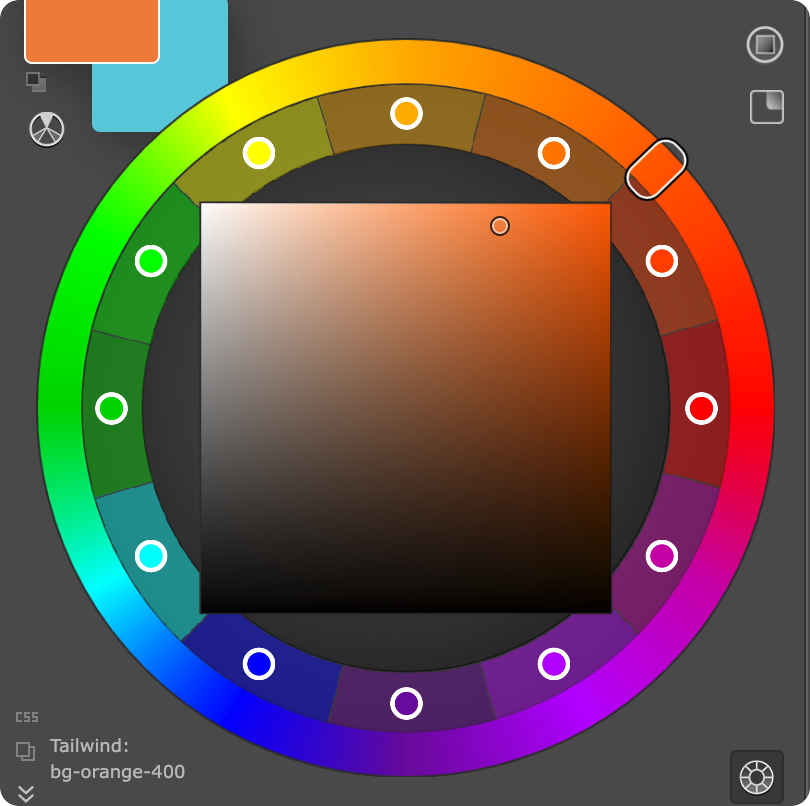
Keep up to twelve colors visible around the wheel.
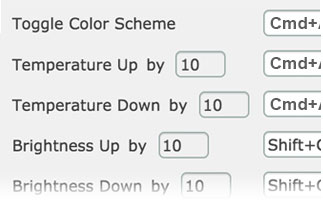
with direct interface inside MagicPicker Settings
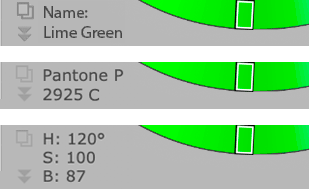
Or values from any color space. Click to copy
Copy a selected color as CSS or a Tailwind class with one click.
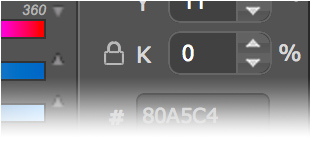

Locks constant black level of CMYK in any color for vivid print reproduction
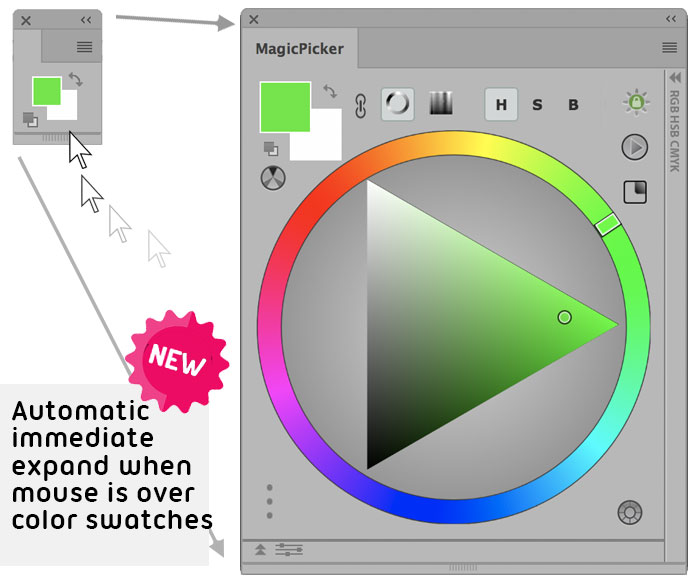
Supports big/small swatches. Scalable Color Wheel.
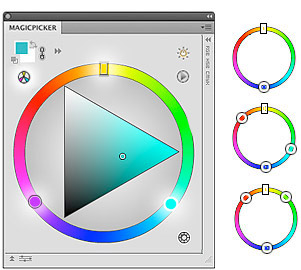
Build Mono, Complement, Triad, Tetrad, Analogic and Accented Analogic color schemes.
Compatibility & support
Native Adobe performance across Mac and Windows, with tablet workflows treated as essential, not optional.
Modern UXP/CCX/ZXP architecture. Ready for Photoshop 2026 and above.
Built for M-series Macs. No Rosetta required.
Native support for current x64 and ARM PCs.
Shortcut and stylus workflows are built in.


 2026
2026Photoshop CS3, CS4, CS5, CS5.5, CS6, CC, CC 2014, CC 2015, CC 2017, CC 2018, CC 2019, 2020, 2021, 2022, 2023, 2024, 2025, 2026+


 2026
2026Illustrator CS3, CS4, CS5, CS5.5, CS6, CC 2014, CC 2015, CC 2017, CC 2018, CC 2019, 2020, 2021, 2022, 2023, 2024, 2025, 2026+
downloads, and counting.
Free updates within your major version.
Get support →Selected Reviews
“Guys, you do fantastic work with this, I've been using it for a few years now and love it, well done (-:”See more →
“I honestly don’t know where I’d be without MagicPicker, I use it daily in my opinion it is a massive upgrade to Photoshops standard offering and speeds up my design process greatly.”

“DAMN COOL !”See more →

MagicPicker 10


*All major credit cards are accepted.
The payment is processed securely.
Free download of ColorPicker 15-day demo: